Pixsar Chat for NGOs
One place for your team, partners and field staff
Pixsar Chat brings conversations out of scattered WhatsApp groups and email threads. Each organisation gets its own private workspace, with a channel for every project and a shared space for partners.
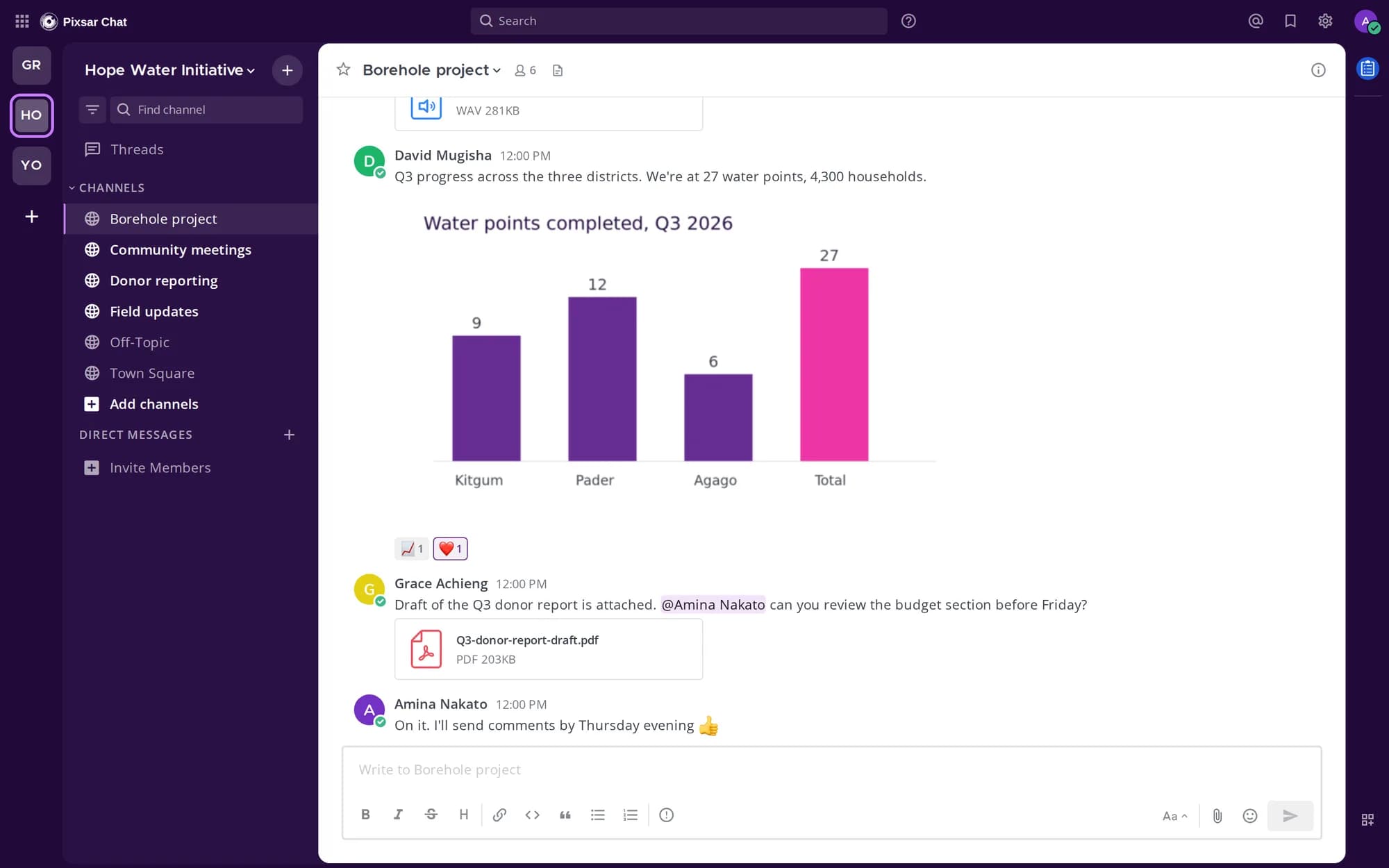
Built for how NGOs work
Office staff, field officers and partner organisations, in the same conversation without mixing everything together.
A workspace per organisation
Your own private space, invite-only, with channels for each project, team or district.
Shared partner spaces
Work with partner organisations in a joint space while your internal channels stay internal.
Photos, voice notes and files
Send site photos, recorded audio, reports and spreadsheets. Files up to 100 MB, previewed in the chat.
Threads and mentions
Reply in a thread so decisions stay together, and @mention the person who needs to act.
Search everything
Find last quarter's report or a message from the field in seconds.
Private by default
Hosted by Pixsar on our own servers. Nothing is public and no ads, ever.
Web, phone and desktop
Use it in any browser, on a phone or on a computer. Desktop apps for Windows and Mac are on the way.
Project trackingComing soon
Boards for activities, owners and due dates, next to the conversation about them.
Get Pixsar Chat on your computer
Use it in your browser on any device, or install the desktop app for notifications and a window of its own.
Windows
Windows 10 or 11, 64-bit · 106 MB · version 6.3.1
If Windows shows “Windows protected your PC”, choose More info, then Run anyway. The app opens chat.pixsar.io.
Download for WindowsMac
macOS app coming soon
Until the Mac app is ready, Pixsar Chat works fully in Safari or Chrome on your Mac.
Open in your browserWeb and phones
Any browser, nothing to install
On a phone, open it in the browser and add it to your home screen.
Open chat.pixsar.ioDecisions stay with the conversation
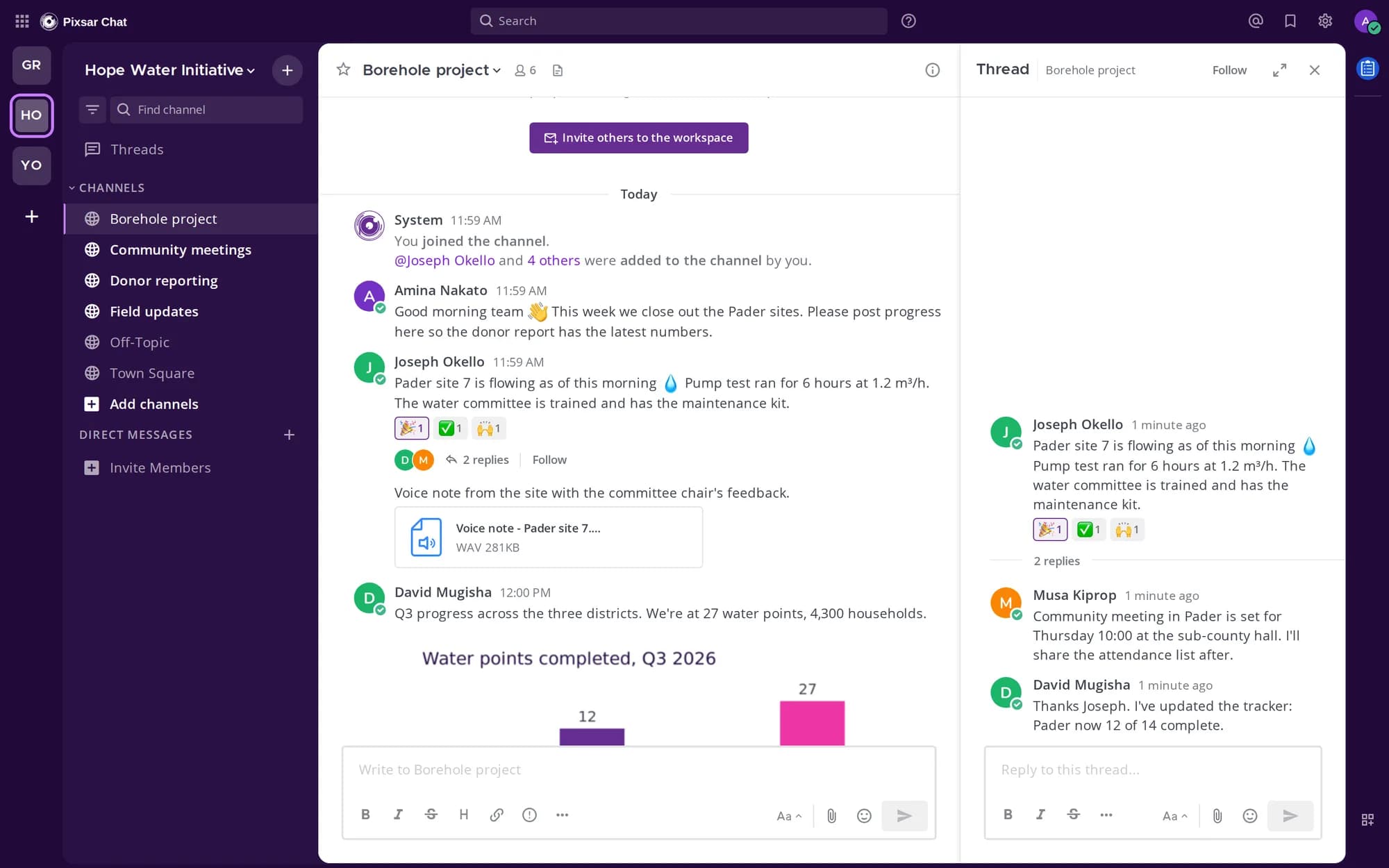
A field officer posts an update, the M&E lead and the community mobiliser reply in a thread, and the channel stays readable for everyone else. Reactions say "seen" without another message.
Works where your field staff are
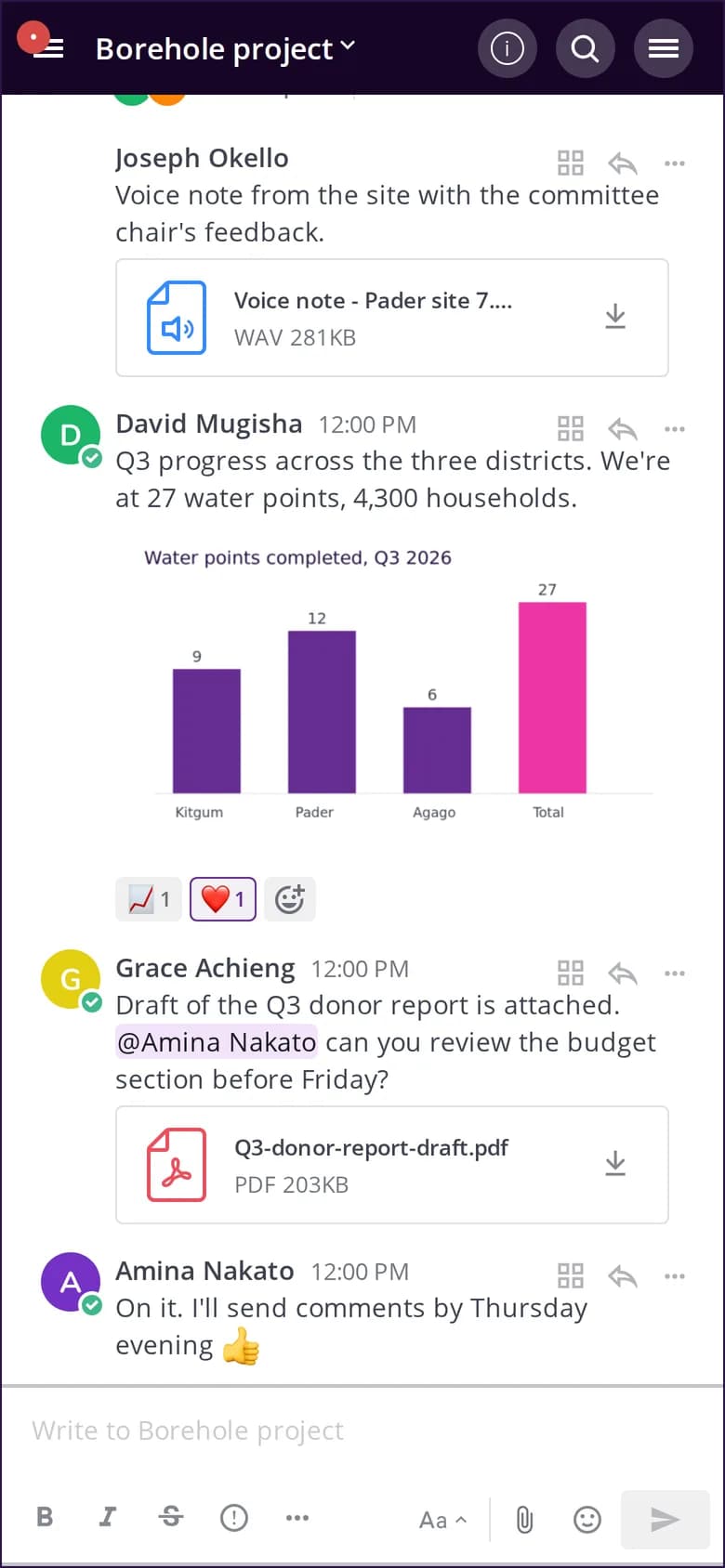
Field teams post from their phones and the office follows along on a laptop.
- Voice notes when typing is slow
- Photos and documents straight from the site
- Works on slow connections and catches up when back online
Questions NGOs ask
- What is Pixsar Chat?
- Pixsar Chat is a team communication platform from Pixsar Media, built for NGOs and organisations. It gives NGOs seamless communication between office staff, field teams and partner organisations, in private workspaces with channels, threads, voice notes, photos and documents.
- Can different NGOs talk to each other on Pixsar Chat?
- Yes. Each NGO has its own private workspace, and organisations can share partner spaces to coordinate across organisations and countries across Africa, while internal channels stay private.
- How does our NGO get started?
- Ask Pixsar for a workspace for your organisation, then invite your colleagues and partners with a link. Each person signs in with their own account.
- Does Pixsar Chat work for field staff on phones?
- Yes. It works in any browser on a phone or computer, so field staff can post updates, photos and voice notes from the site. Desktop apps for Windows and Mac are on the way.
- Is our information private?
- Yes. Workspaces are invite-only, hosted on Pixsar's own servers, and there are no ads.
Bring your organisation onto Pixsar Chat
Tell us about your team and partners and we'll set up your workspace.